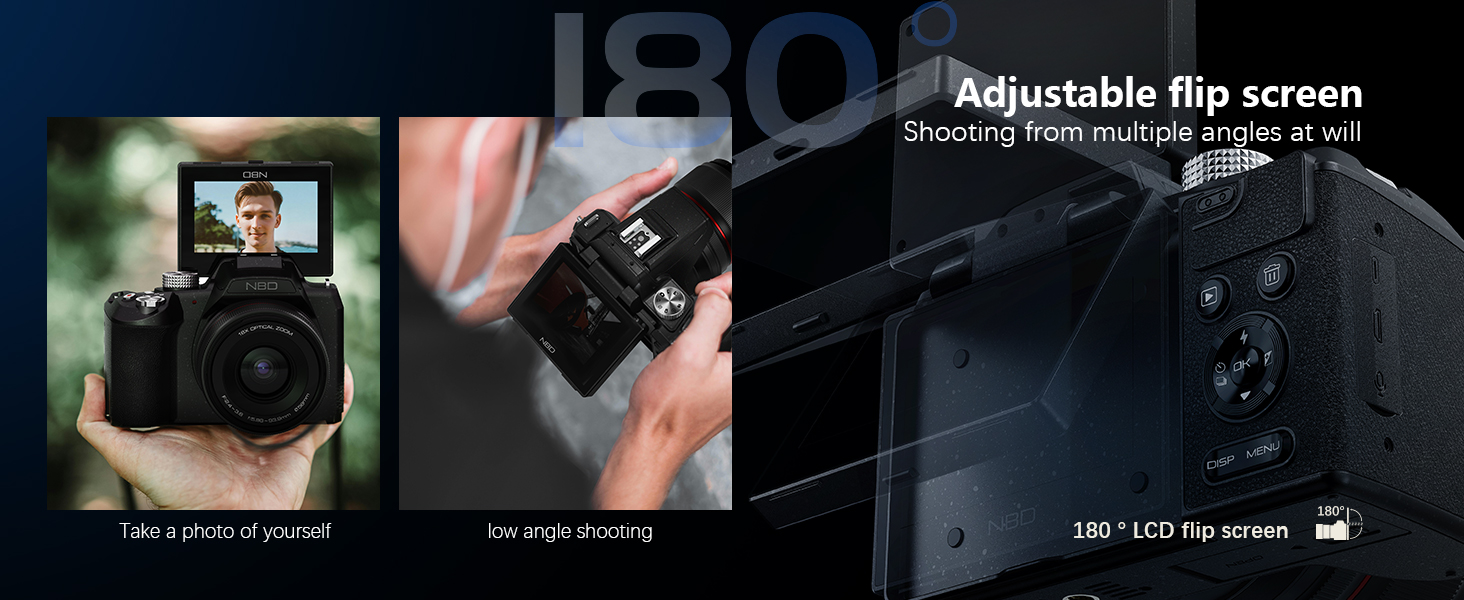
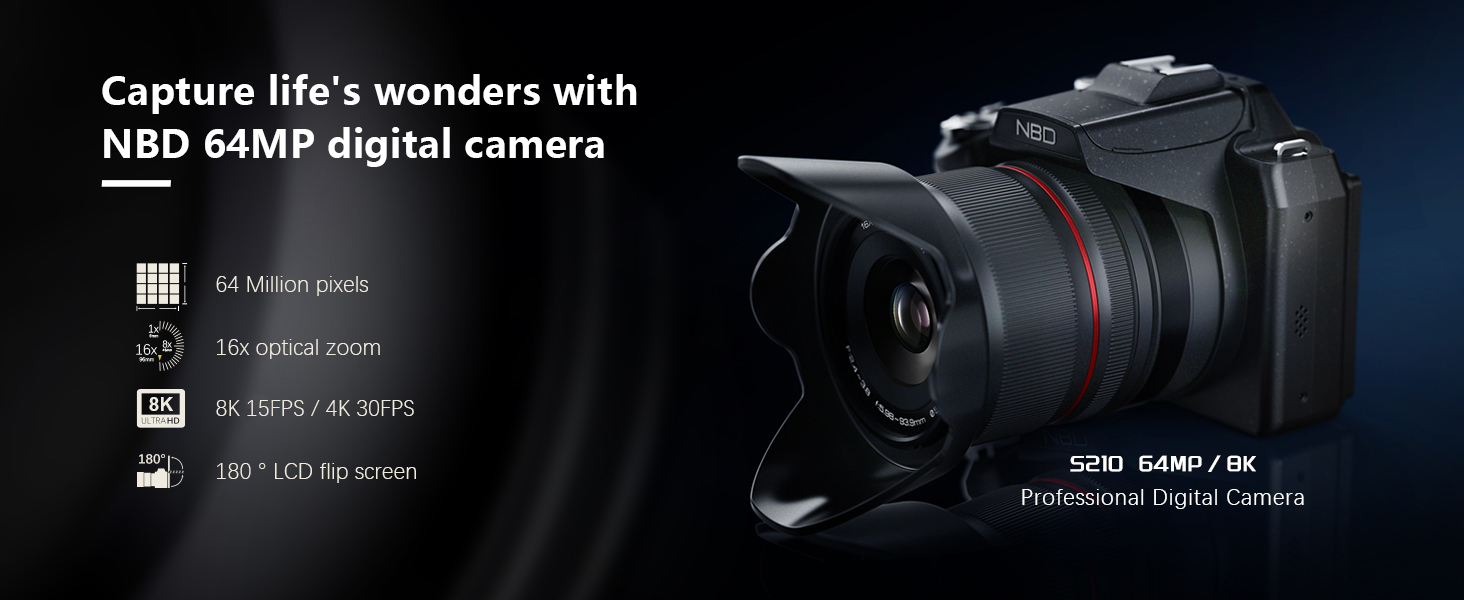
8K & 64MP Digital Camera for Photography, 48X Zoom (16X Optical + 3X Digital) with Moon Mode, 180° Flip Screen, WiFi, Micro HDMI, 64GB Card & 2 Batteries, Vlogging Camera for YouTube (Black)
8K & 64MP Digital Camera for Photography, 48X Zoom (16X Optical + 3X Digital) with Moon Mode, 180° Flip Screen, WiFi, Micro HDMI, 64GB Card & 2 Batteries, Vlogging Camera for YouTube (Black) thumbnail 8K & 64MP Digital Camera for Photography, 48X Zoom (16X Optical + 3X Digital) with Moon Mode, 180° Flip Screen, WiFi, Micro HDMI, 64GB Card & 2 Batteries, Vlogging Camera for YouTube (Black) thumbnail 8K & 64MP Digital Camera for Photography, 48X Zoom (16X Optical + 3X Digital) with Moon Mode, 180° Flip Screen, WiFi, Micro HDMI, 64GB Card & 2 Batteries, Vlogging Camera for YouTube (Black) thumbnail 8K & 64MP Digital Camera for Photography, 48X Zoom (16X Optical + 3X Digital) with Moon Mode, 180° Flip Screen, WiFi, Micro HDMI, 64GB Card & 2 Batteries, Vlogging Camera for YouTube (Black) thumbnail 8K & 64MP Digital Camera for Photography, 48X Zoom (16X Optical + 3X Digital) with Moon Mode, 180° Flip Screen, WiFi, Micro HDMI, 64GB Card & 2 Batteries, Vlogging Camera for YouTube (Black) thumbnail 8K & 64MP Digital Camera for Photography, 48X Zoom (16X Optical + 3X Digital) with Moon Mode, 180° Flip Screen, WiFi, Micro HDMI, 64GB Card & 2 Batteries, Vlogging Camera for YouTube (Black) thumbnail
8K & 64MP Digital Camera for Photography, 48X Zoom (16X Optical + 3X Digital) with Moon Mode, 180° Flip Screen, WiFi, Micro HDMI, 64GB Card & 2 Batteries, Vlogging Camera for YouTube (Black)
$299.99

Coupon : 63

Rating: 4.6 ★ (2068 reviews)

Availability: In Stock

Brand: Monitech

Category: Point & Shoot Digital Cameras

SKU: Black
Promotion Hot Sale New Arrival

How do I manually enable the 8K video mode for the first time using the camera?

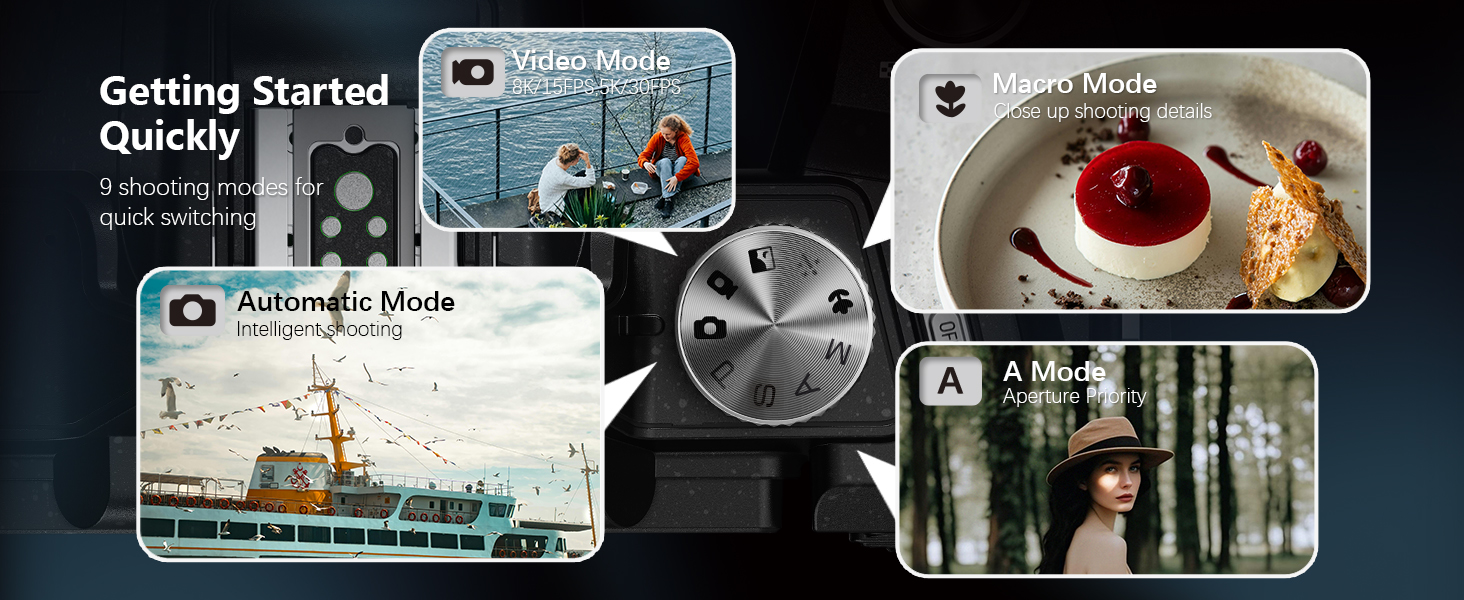
Switch to 8K in 2 steps: 1. Rotate the top mode dial to "Video Mode" ; 2. Press the side "OK" button, select "video resolution" in the pop-up menu, and switch directly to 8K/15FPS to start recording.

How do I use the Wi-Fi function?

1. Press the "MENU" button, open Settings, find "WIFI" and enable it; 2. Scan the code on the pop-up page to download the dedicated APP; 3. Open the APP and connect to the corresponding "WIFI name" as prompted to use the WIFI function.

How to use autofocus while shooting?

Half-press the shutter button on the top of the camera, and the camera will quickly autofocus.

How to quickly switch camera shooting modes?

Rotate the mode dial on the top of the camera to quickly switch between photo/video and other modes.

How do l install the Memory Card?

Locate the memory card slot at the bottom of the camera, insert the included TF card (or your own), and a click sound indicates successful installation.

Product description

Recently Viewed

Guess You Like